Ergonomic Tips & Best Practices
Discover essential guidelines for creating a healthy and productive workspace at home or in the office.
Optimal Desk and Chair Setup
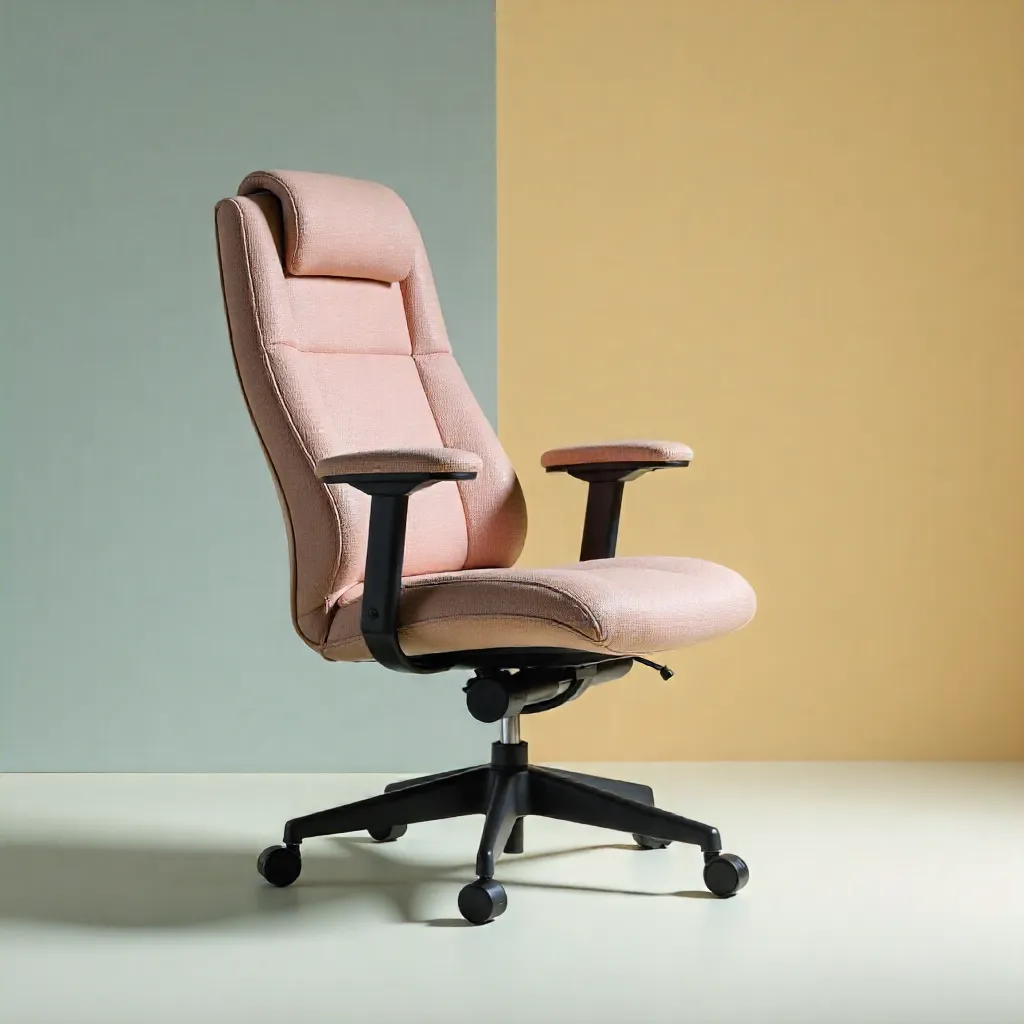
Proper positioning of your desk and chair is fundamental to maintaining good posture throughout the day. Your chair height should allow your feet to rest flat on the floor, with knees at a 90-degree angle.
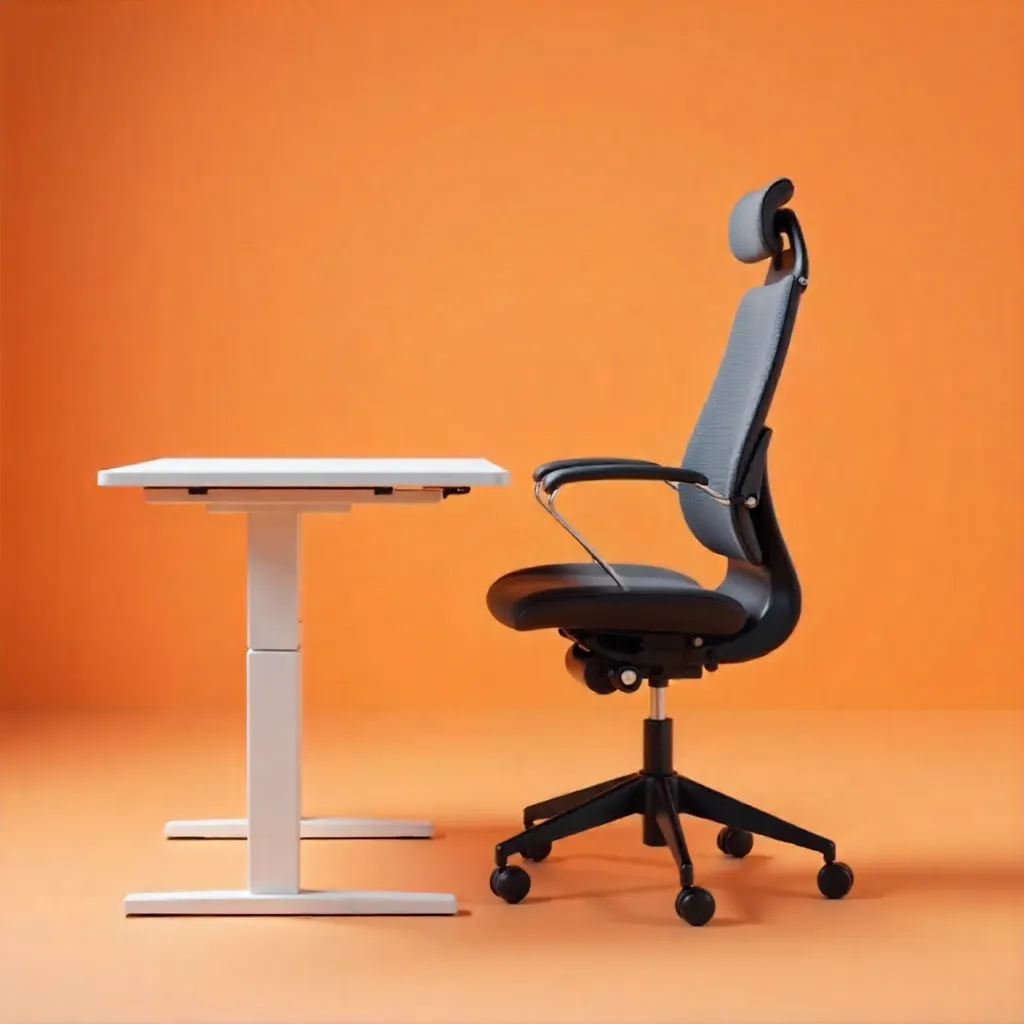
Your desk surface should be at elbow height when seated, allowing your forearms to rest comfortably while typing. If using a standing desk, alternate between sitting and standing positions every 30-60 minutes.
Ensure your monitor is positioned at eye level, approximately an arm's length away. The top of the screen should be at or slightly below eye level to prevent neck strain.
Key Ergonomic Principles

Monitor Positioning
Position your monitor directly in front of you, about 20-26 inches away. The top of the screen should be at or slightly below eye level. Use monitor stands or adjustable arms to achieve optimal height.
Keyboard and Mouse Placement
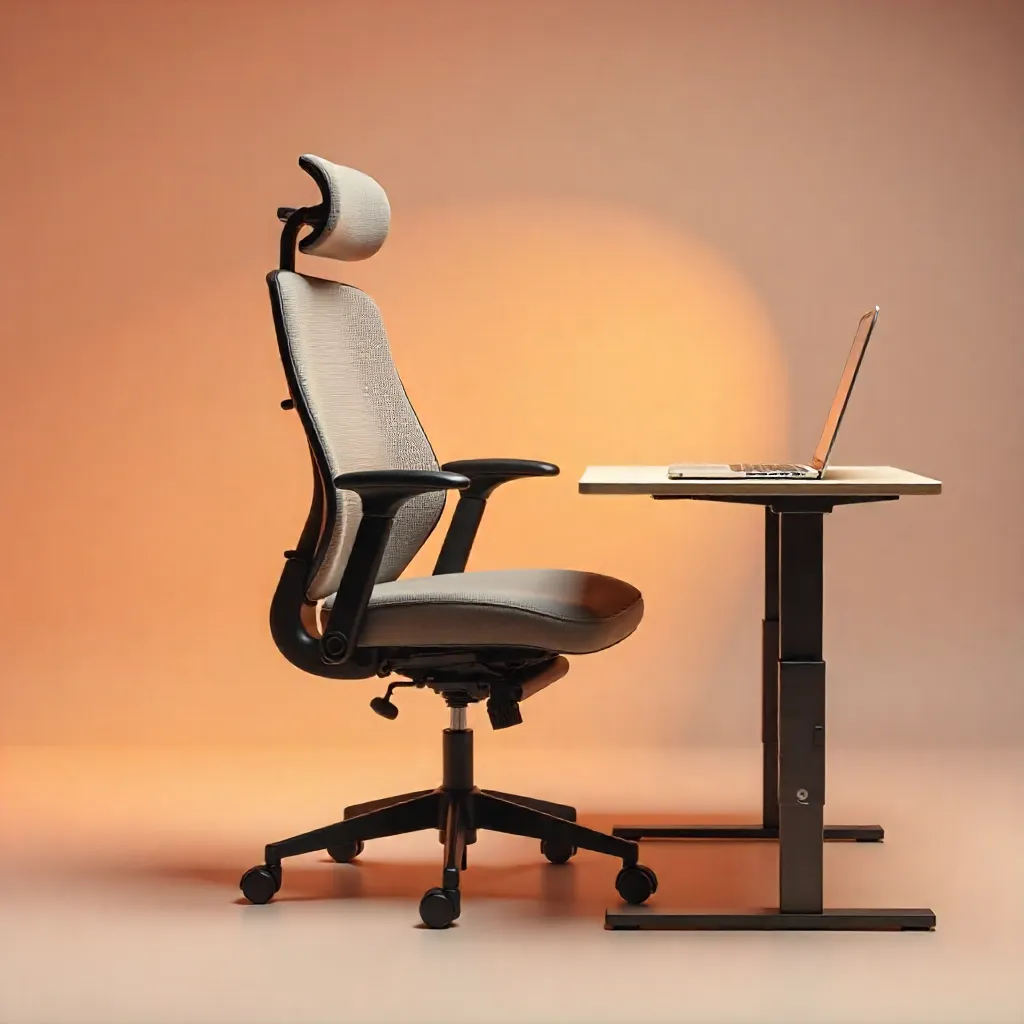
Keep your keyboard and mouse at the same level, allowing your wrists to remain straight. Use a keyboard tray if needed to maintain proper height. Consider ergonomic keyboards and vertical mice for enhanced comfort.
Lighting Considerations
Ensure adequate lighting without glare on your screen. Position your monitor perpendicular to windows to avoid reflections. Use task lighting for reading documents while keeping ambient lighting soft and comfortable.
Movement and Break Strategies
Regular movement is essential for maintaining health during long work sessions. Follow the 20-20-20 rule: every 20 minutes, look at something 20 feet away for 20 seconds to reduce eye strain.
Take short breaks every hour to stand, stretch, and walk around. These micro-breaks help prevent muscle fatigue and improve circulation. Consider setting reminders to ensure you take breaks consistently.
Incorporate gentle stretching exercises for your neck, shoulders, wrists, and back. Simple movements like shoulder rolls, neck stretches, and wrist flexes can significantly reduce tension and discomfort.
Home Office Setup Guide
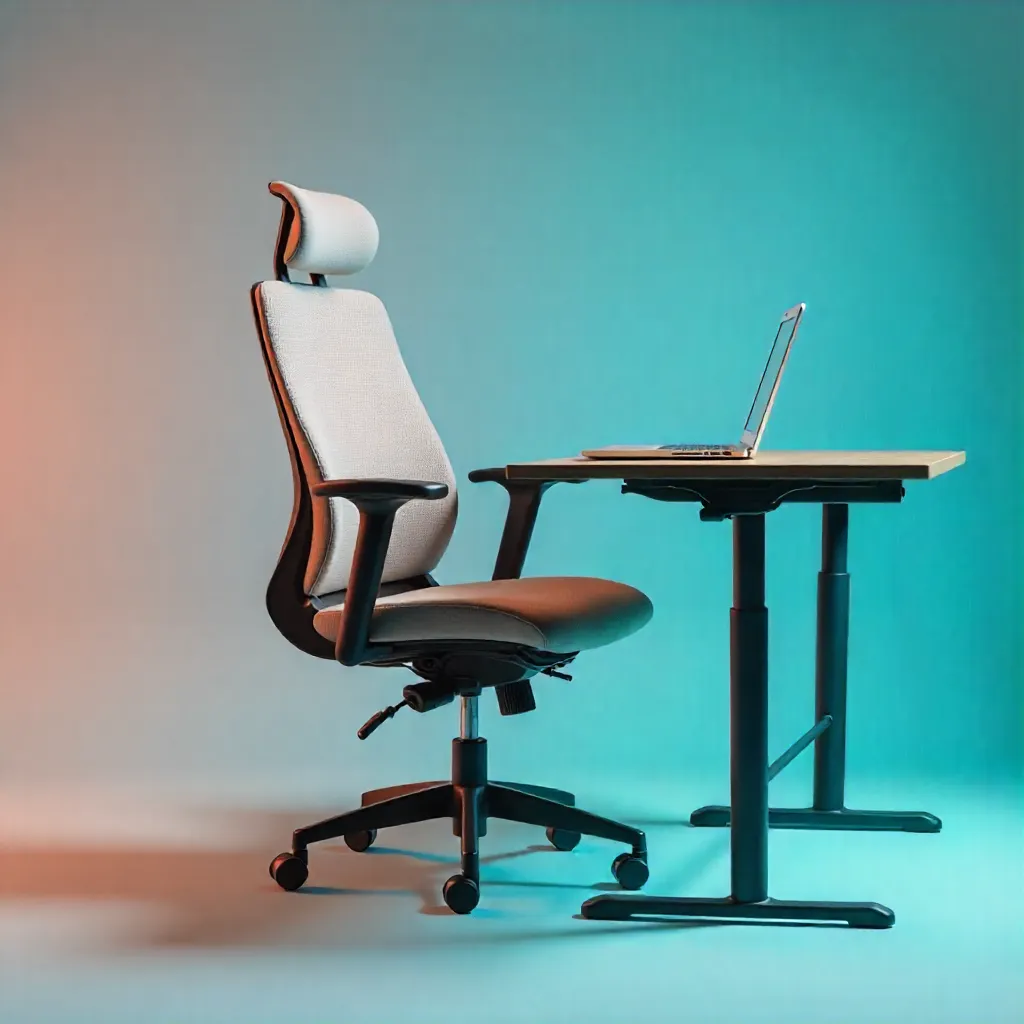
Creating Your Ideal Home Workspace
Designate a dedicated workspace that separates work from personal life. Choose a quiet area with minimal distractions and good natural light when possible.
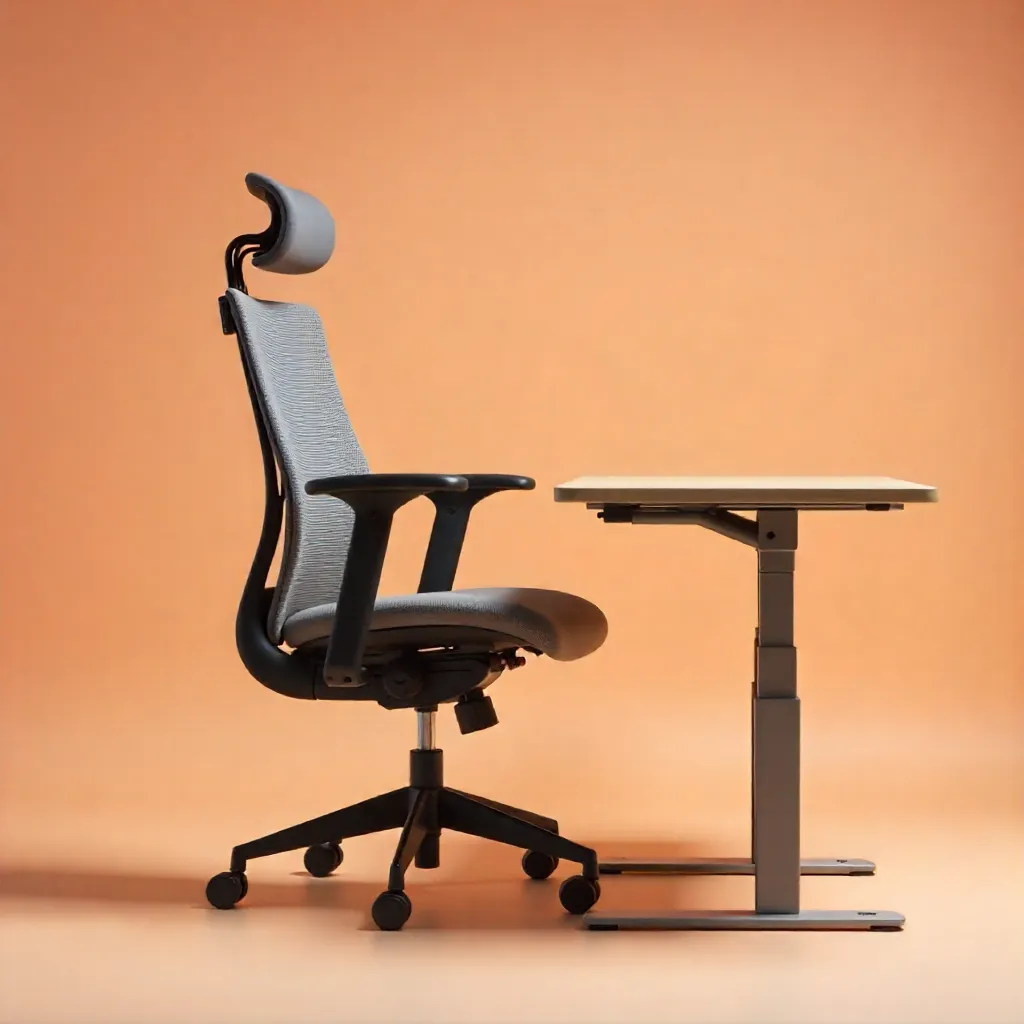
Invest in quality ergonomic furniture that supports your body properly. Even in a home setting, proper seating and desk height are crucial for long-term comfort and health.
Organize your workspace to minimize reaching and twisting. Keep frequently used items within easy reach and use cable management solutions to maintain a clean, safe environment.
Consider the acoustics of your space. Use rugs, curtains, or acoustic panels to reduce echo and create a more comfortable working environment.
Additional Resources
Posture Checklist
Regularly assess your posture: feet flat on floor, back supported, shoulders relaxed, wrists straight, and screen at eye level.
Break Schedule
Set a timer for regular breaks: 5 minutes every hour, plus a longer 15-minute break every 2-3 hours for optimal productivity.